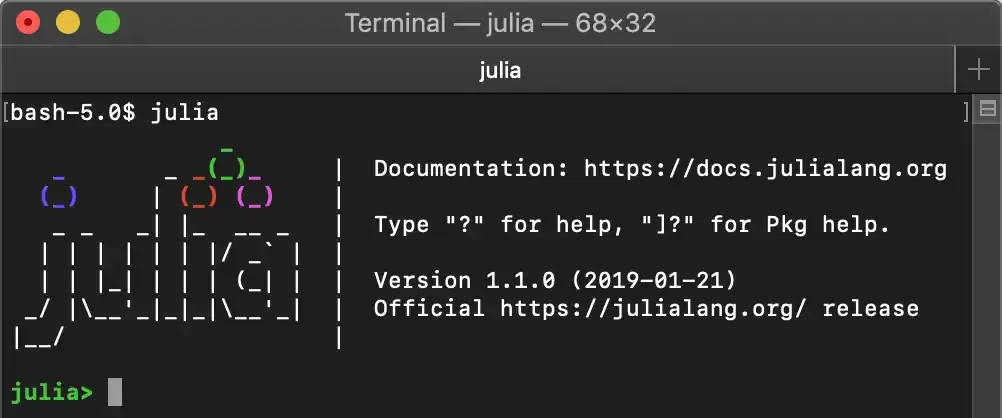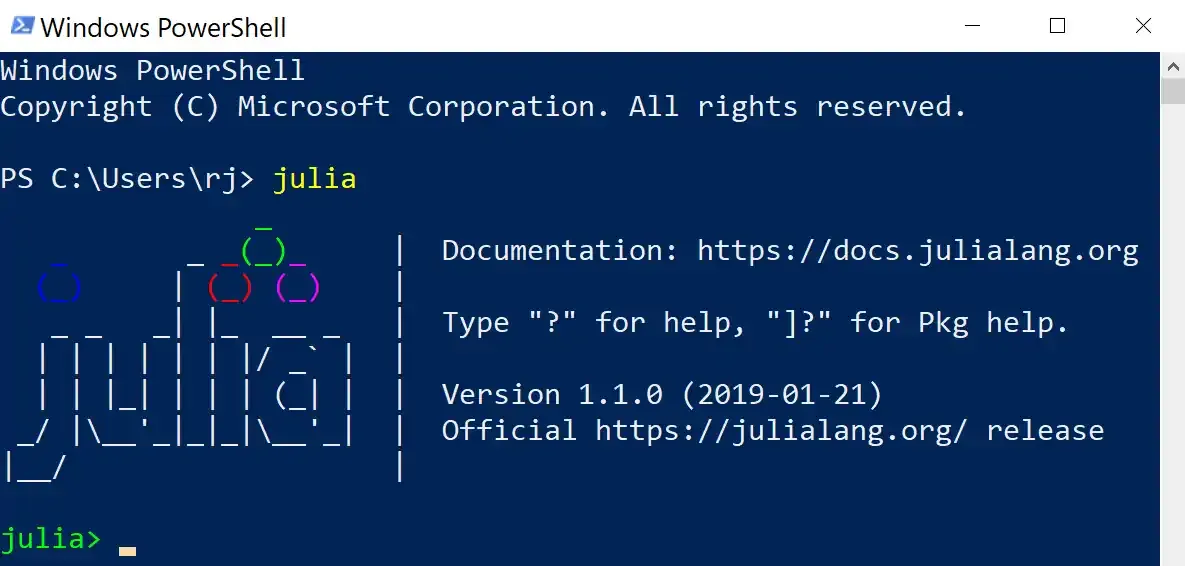
Install Julia locally to your system
This article covers the local installation of Julia using packages from the Download Page.
Installs can either be without sudo/admin USER or GLOBAL. Choose one and follow the instructions for that target.
Table of contents
Open Table of contents
Windows
- Download the executable (32-bit / 64-bit)
- Open with Admin Privileges
- GLOBAL | Change install directory to
%PROGRAMFILES%/Julia - GLOBAL | Add julia to PATH:
$PATH = [Environment]::GetEnvironmentVariable("PATH")
$julia_path = "C:\Program Files\Julia"
[Environment]::SetEnvironmentVariable("PATH", "$PATH;$julia_path", "Machine")- USER | Alias
juliain your $Profile
macOS
brew cask install julia # GLOBALLinux
curl https://julialang-s3.julialang.org/bin/linux/x64/1.1/julia-1.1.0-linux-x86_64.tar.gz \
  -o /tmp/julia.tar.gz
tar -C /tmp -xzf /tmp/julia.tar.gz
sudo cp -r /tmp/julia /opt/local   # GLOBAL
# Or: cp -r /tmp/julia ~/bin       # USER
Verification