This article shows how to get browser and OS DNS caches.
According to Cloudflare docs, the sequence of a DNS query from Chrome to the recursive resolver looks something like this:
Check browser DNS cache --miss--> Check OS DNS cache --miss--> Recursive resolver
          |                               |
          V                               V
         hit                             hit
Table of contents
Open Table of contents
Firefox DNS Cache
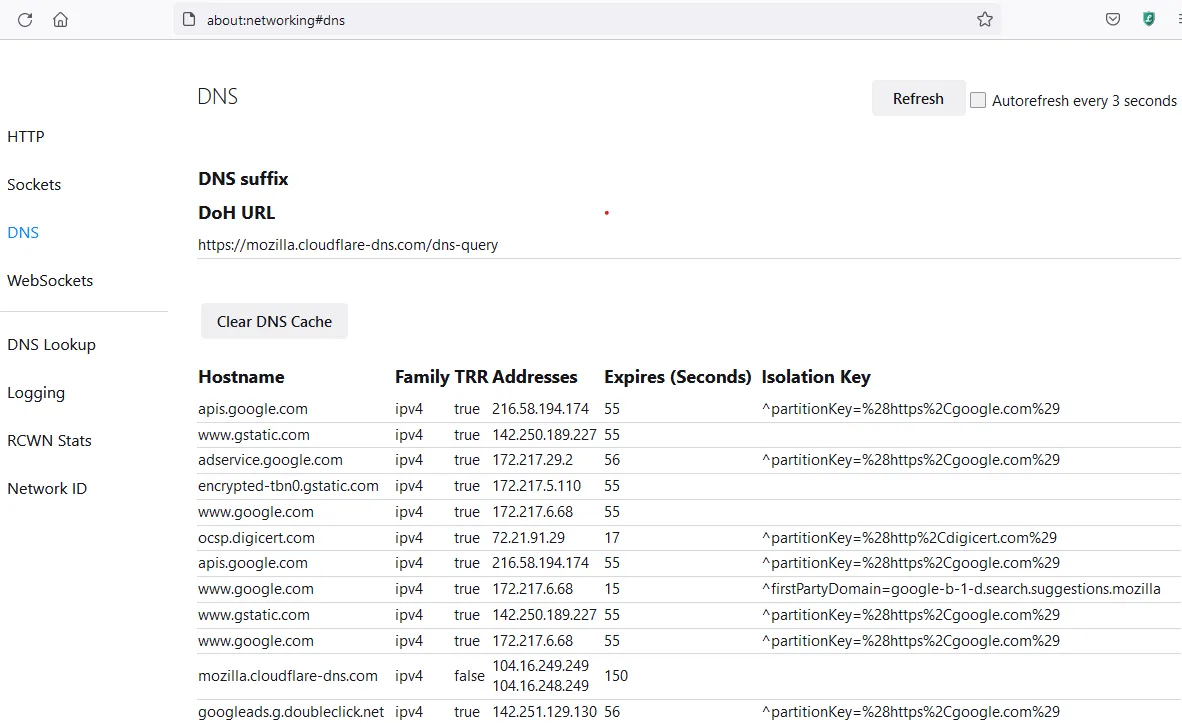
Firefox’s DNS cache about:networking#dns can be flushed with a button and lists entries.
Chrome DNS Cache
Chrome’s DNS cache chrome://net-internals/#dns can be flushed with a button.
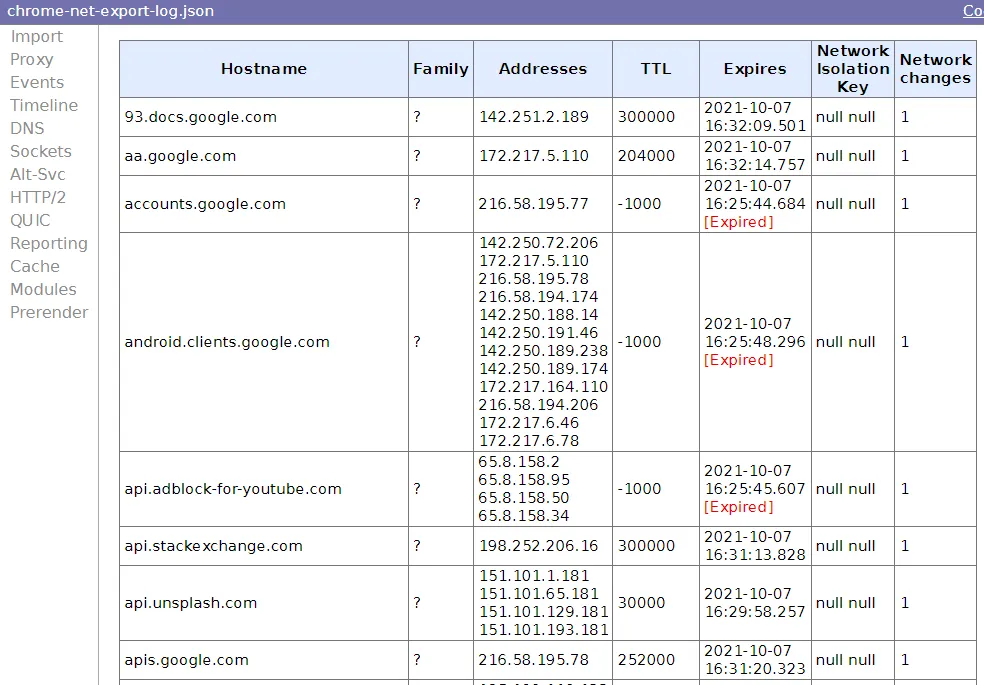
It used to be possible to see the list entries in Chrome easily, but it’s since been obfuscated.
To list entries in Chrome:
- Go to
chrome://flags/#enable-network-logging-to-filein Chrome - Set it to enabled
- Relaunch Chrome using the blue button provided that pops up on enabling/disabling of settings
- Go to
chrome://net-export/to start your capture and see the file location - Import your
chrome-net-export-log.jsonfile with https://netlog-viewer.appspot.com/#import - Go to the DNS section
Windows
On Windows, you can use the ipconfig /displaydns command:
PS C:\> ipconfig /displaydns

Windows IP Configuration

    chrome.cloudflare-dns.com
    ----------------------------------------
    Record Name . . . . . : chrome.cloudflare-dns.com
    Record Type . . . . . : 1
    Time To Live  . . . . : 54
    Data Length . . . . . : 4
    Section . . . . . . . : Answer
    A (Host) Record . . . : 104.18.27.211

    vortex.data.microsoft.com
    ----------------------------------------
    Record Name . . . . . : vortex.data.microsoft.com
    Record Type . . . . . : 5
    Time To Live  . . . . : 6
    Data Length . . . . . : 8
    Section . . . . . . . : Answer
    CNAME Record  . . . . : asimov.vortex.data.trafficmanager.net
Linux
In Linux, if you are using systemd, you can see them like so:
time=$(date "+%F %T")
systemd-resolve cloudflare.com >/dev/null
systemctl kill -s USR1 systemd-resolved
journalctl -b -0 --since "$time" -u systemd-resolved | grep " IN "
macOS
It looks like there are different ways to do this per OS minor version.
On 10.14, you can use mDNSResponder to get data. You need to make sure that records are not private so that you can see them.
sudo log config --mode "private_data:on"
dns_caches=$(log stream --predicate 'process == "mDNSResponder"' --info)
echo "$dns_caches" | rg -U '^[\s\S]*?\- Cache \-+\n.*rdlen\n([\s\S]*?)\n.*?Cache size[\s\S]*?$' -r '$1'
More information can be found with this Stack Overflow question.